

Silent Tri-Mode Wireless RGB Gaming Keyboard
Silent Tri-Mode Wireless RGB Gaming Keyboard
SKU:ONFY111826KB1-PNK
Couldn't load pickup availability
Silent Tri-Mode Wireless RGB Gaming Keyboard
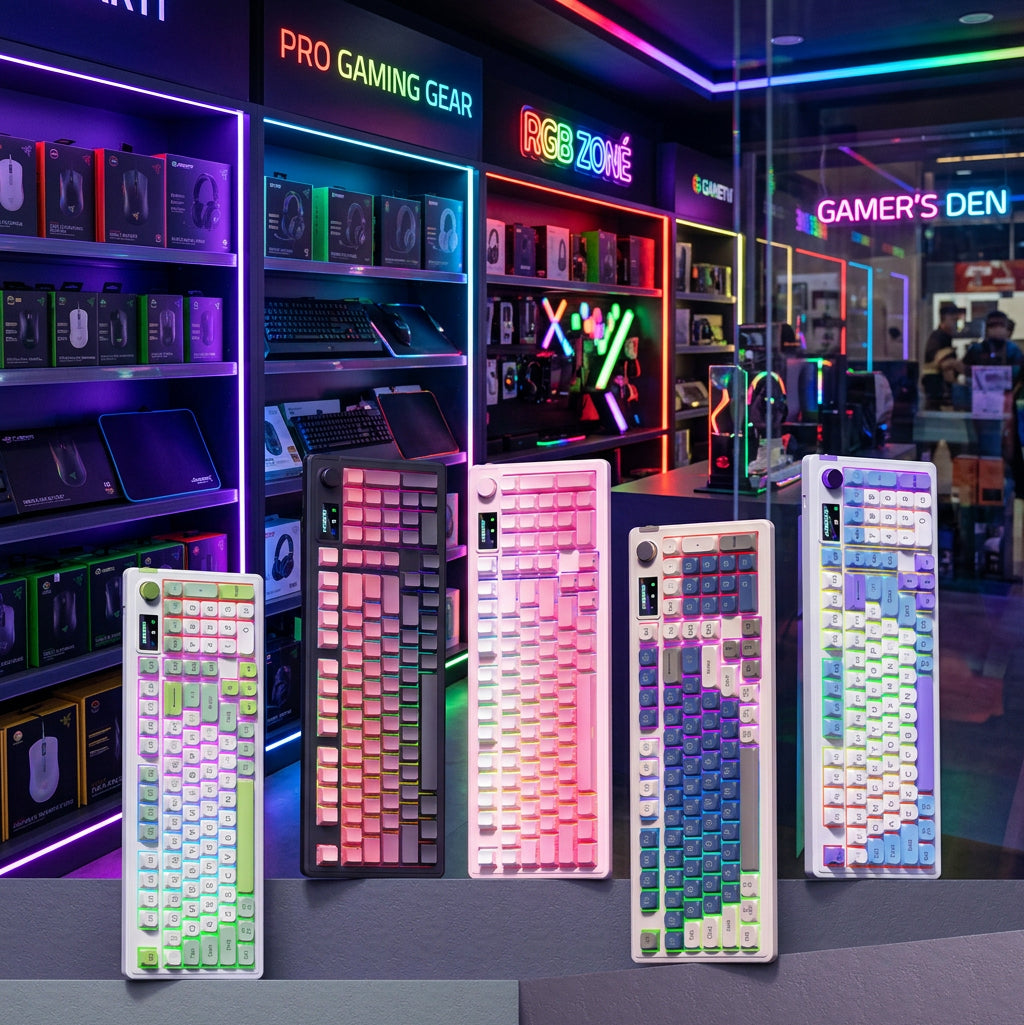
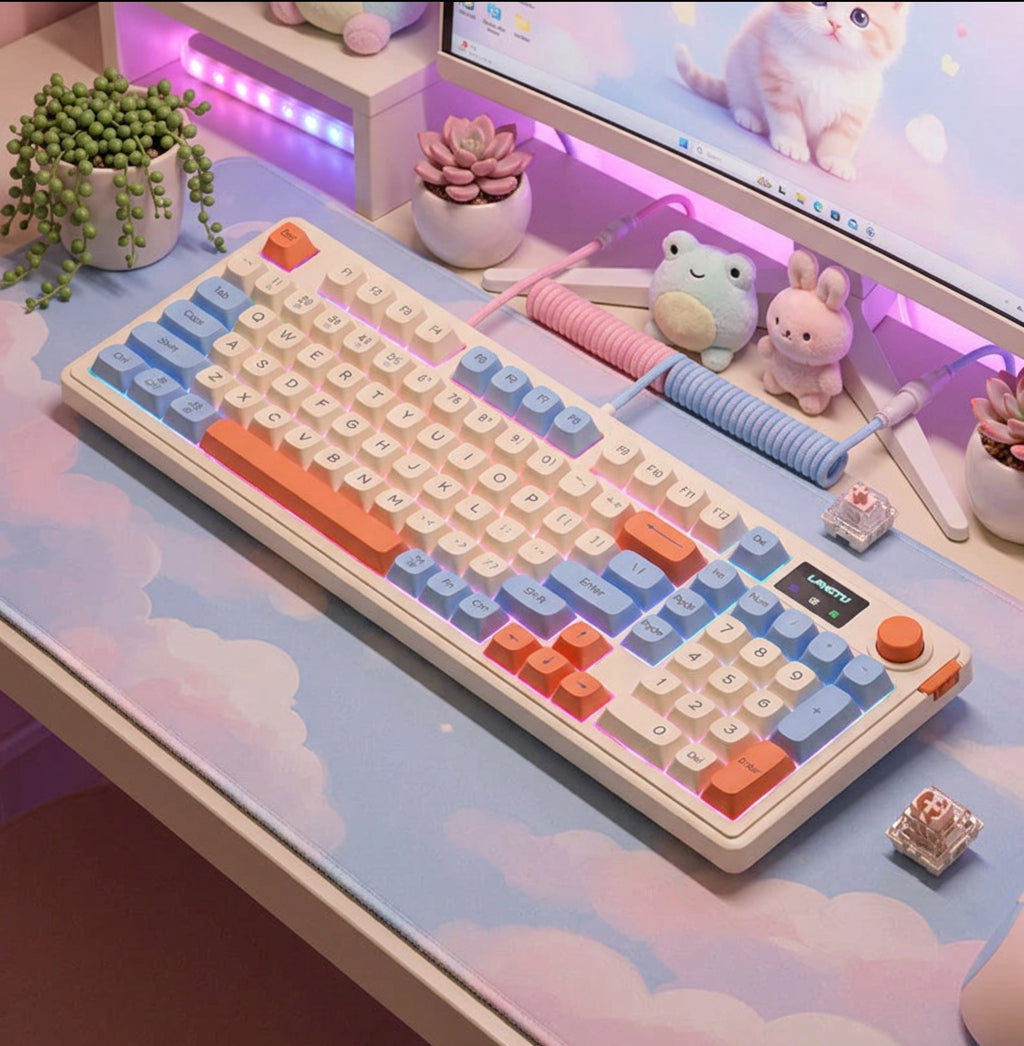
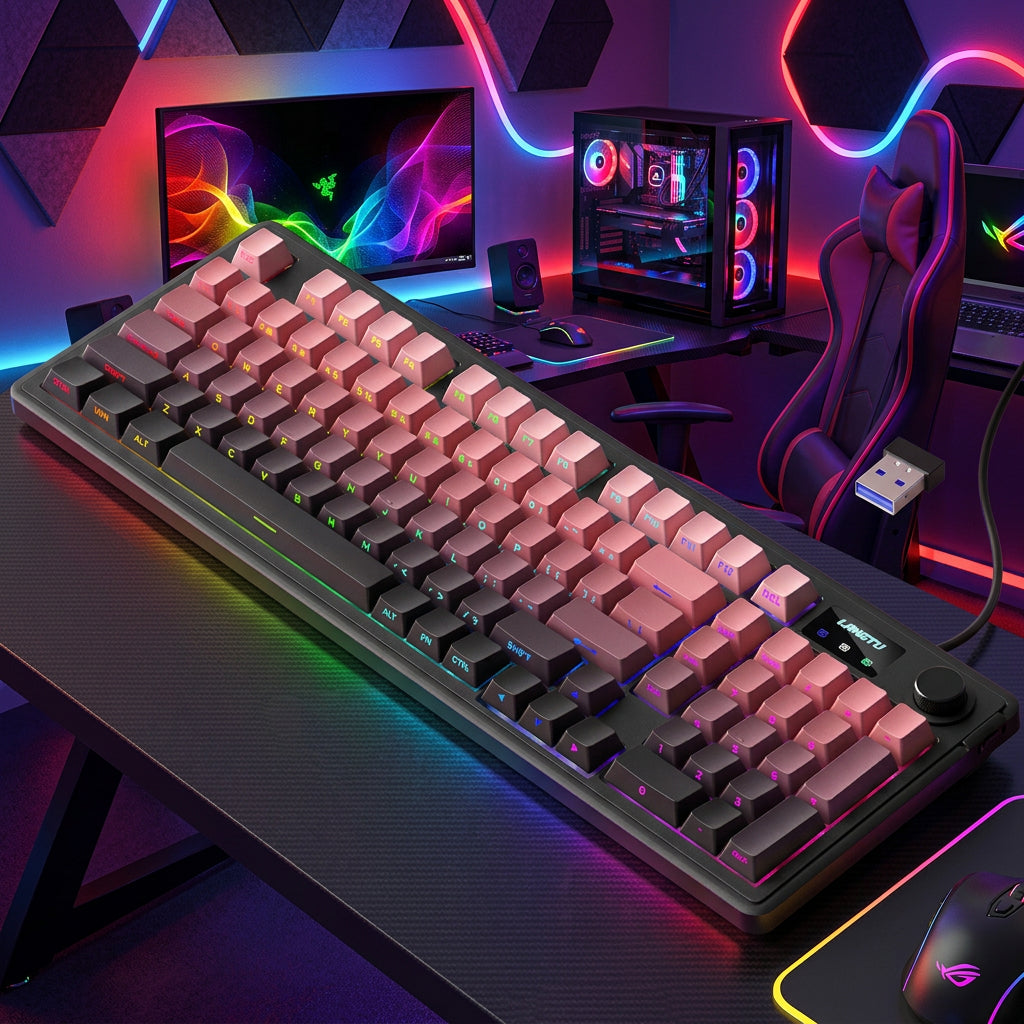
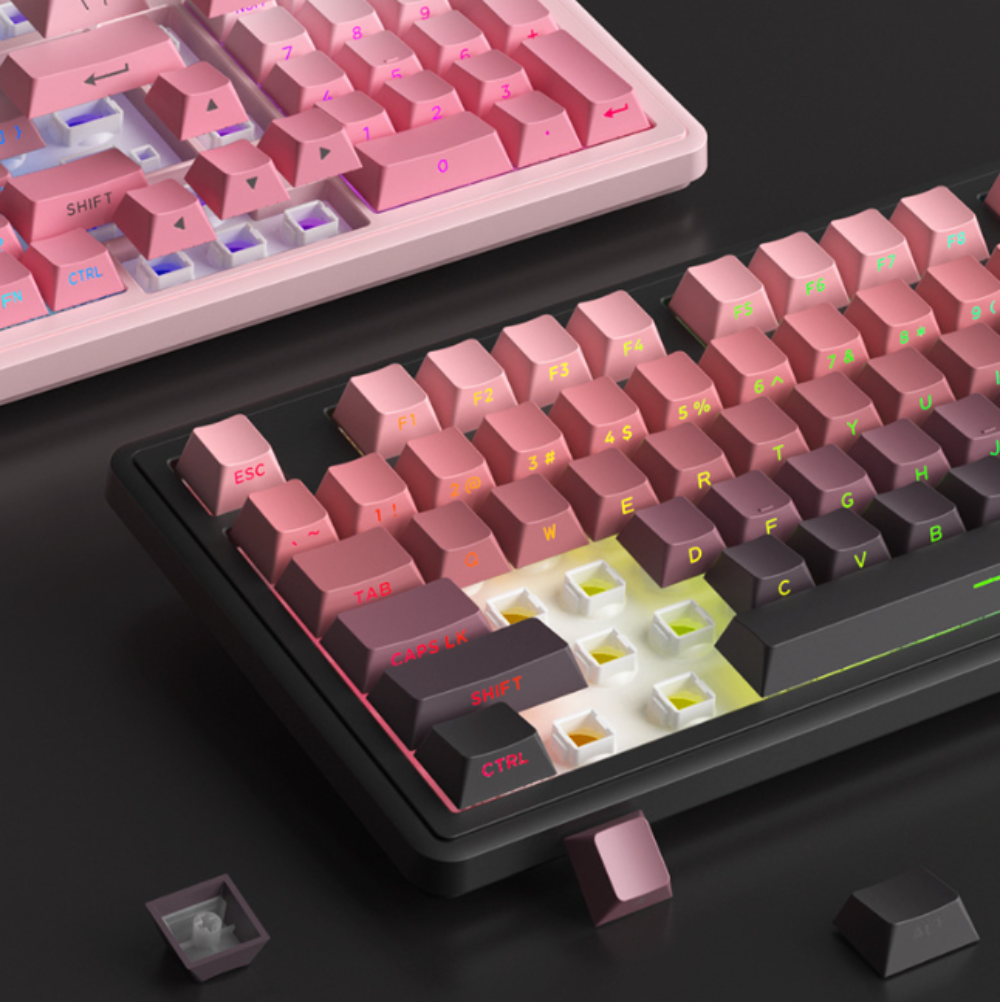
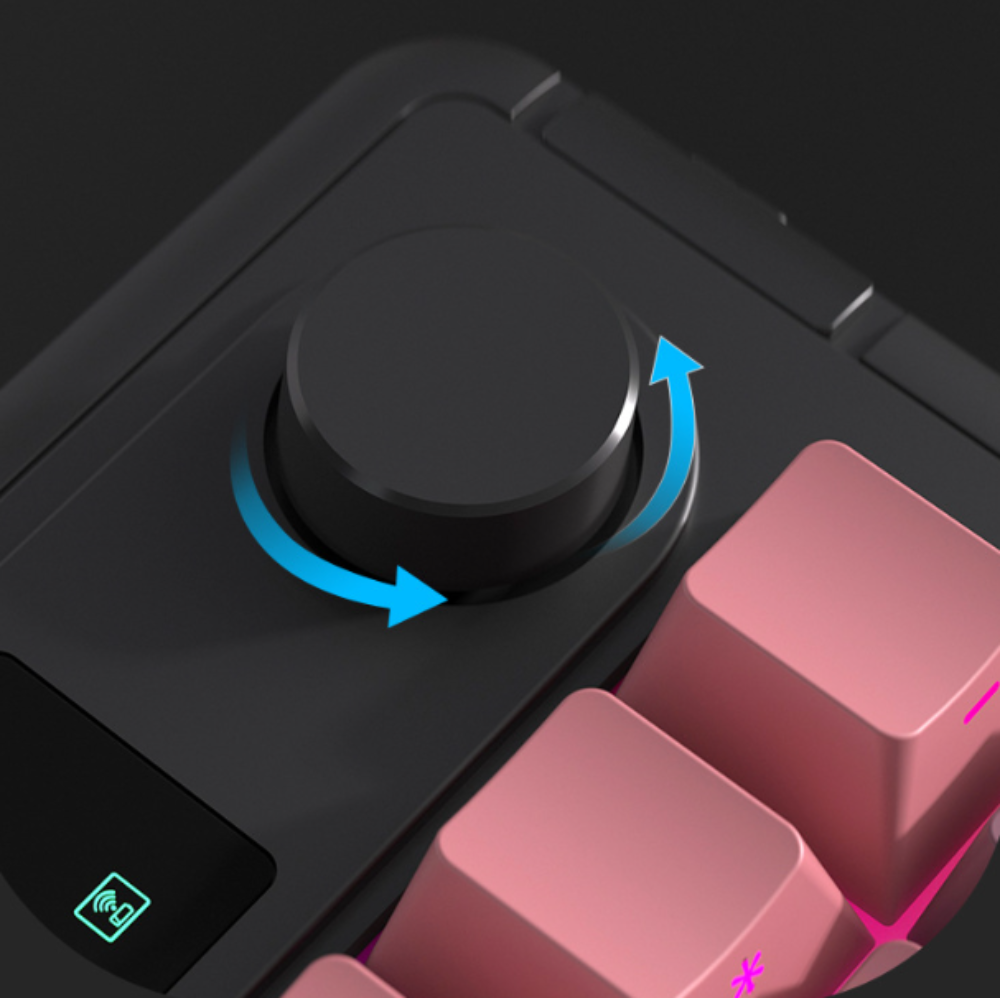
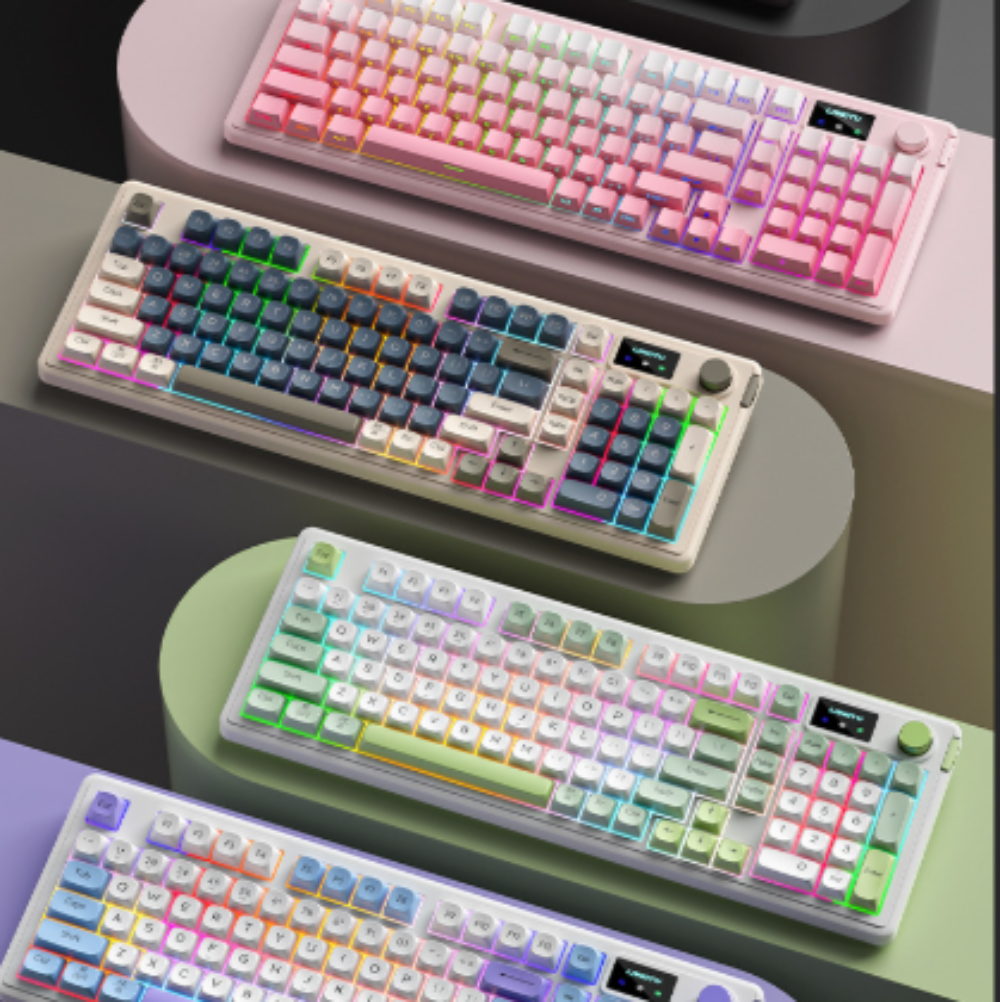
Switch between 2.4GHz wireless, Bluetooth, and wired connections to suit your setup. This membrane keyboard offers a mechanical-feel typing experience, vibrant RGB backlighting with more than 16 million color effects, and 26-key anti-ghosting to help keep multiple keystrokes responsive during gameplay.

- Keyboard dimensions: 413 × 145 × 43 mm
- Net weight: 889.5 g
- Package dimensions: 440 × 183 × 59 mm
- Gross weight: 1,140 g

Nothing kills a late-night gaming session faster than the sharp clack of loud keys echoing down a quiet hallway. Whether you share an apartment, live in a dorm, or hop onto voice chat with teammates, a noisy board creates friction you do not need.
Upgrading to a silent wireless gaming keyboard solves that problem without forcing you to trade away speed or style. You get responsive, whisper-quiet keystrokes, zero cable clutter, and dynamic backlighting built for dark rooms.
Even better, modern multi-device designs let you run your entire desk from one clean setup. You can crunch through spreadsheets on your work laptop at noon and jump into ranked matches on your gaming rig at midnight without swapping a single cable.
Why Loud Keyboards Hold Back Modern Setups (And How a Silent Wireless Gaming Keyboard Fixes It)
Traditional gaming keyboards were engineered around loud tactile clicks and thick braided cables. While that setup worked fine in isolated basement rooms, it clashes with how people actually work and play today.
Most modern desks pull double duty as home offices by day and entertainment hubs by night. Choosing a silent wireless gaming keyboard brings your hardware in line with shared living spaces and clean, minimalist workspaces.
The Real Cost of Clicky Switches: Late-Night Noise and Mic Bleed
High-decibel mechanical switches sound satisfying for the first ten minutes, but the novelty wears off quickly when someone else is trying to sleep nearby. Every rapid WASD strafe or frantic ability combo broadcasts across thin walls.
Noise also ruins audio clarity during team voice chats, livestreams, and work calls. Standard desk microphones pick up sharp key clatter right over your voice, forcing you to rely on aggressive noise-suppression filters that muffle how you sound.
A quiet RGB gaming keyboard for late night gaming eliminates that acoustic headache at the source. Softened key actuation absorbs bottom-out impact so your late-night sessions stay strictly between you and your screen.
Cutting the Cord Without Sacrificing Gaming Responsiveness
Old-school wireless peripherals earned a bad reputation for dropped inputs and sluggish response times. Gamers clung to wired boards because Bluetooth lag could easily cost a close duel.
Modern low latency silent wireless keyboard engineering has completely changed that equation. Dedicated 2.4GHz wireless receivers deliver near-instant signal transmission that rivals a direct USB connection while freeing up valuable desk space.
Without a stiff cable dragging across your mousepad, your mouse hand gets unrestricted room for wide, accurate flicks. Your desk immediately looks cleaner, calmer, and far easier to organize.
What to Look for in a Silent Wireless Gaming Keyboard
Not every quiet keyboard is built for fast-paced play, and not every wireless board handles multi-device workflows smoothly. Knowing which specifications actually matter keeps you from wasting money on sluggish office gear or overpriced enthusiast boards.
When shopping for a wireless gaming keyboard for work and gaming, focus on three core areas: keystroke feel, connection flexibility, and practical desk ergonomics.
Quiet Keystroke Engineering vs. Tactile Feedback
The biggest pitfall with budget quiet keyboards is mushy, unresponsive key travel. If a key feels like pressing into a wet sponge, your typing accuracy drops and rapid double-taps in games feel unreliable.
Look for cushioned internal dampening paired with crisp, consistent actuation. Good silent switches and dampened structures absorb the harsh plastic-on-plastic clack while preserving a clear, responsive rebound under your fingertips.
You want keys that register light, fast presses effortlessly during intense gameplay while staying comfortable over an eight-hour workday.
Tri-Mode Connectivity Explained: 2.4GHz, Bluetooth, and Wired USB-C
Single-mode wireless keyboards lock you into compromises. Bluetooth alone saves USB ports but introduces noticeable input delay during fast action games, while 2.4GHz-only boards cannot pair natively with tablets or phones.
A tri-mode wireless gaming keyboard gives you all three connection standards in one unified device:
-
2.4GHz Wireless Mode: Uses a dedicated USB receiver for ultra-low-latency gaming performance and rock-solid signal stability.
-
Bluetooth Mode: Connects wirelessly to work laptops, MacBooks, iPads, and smartphones without needing a dongle.
-
Wired USB-C Mode: Delivers zero-latency direct input while simultaneously recharging the internal battery.
Having all three options means you never get stuck choosing between gaming speed and everyday convenience.
Compact Ergonomics, RGB Backlighting, and Battery Life
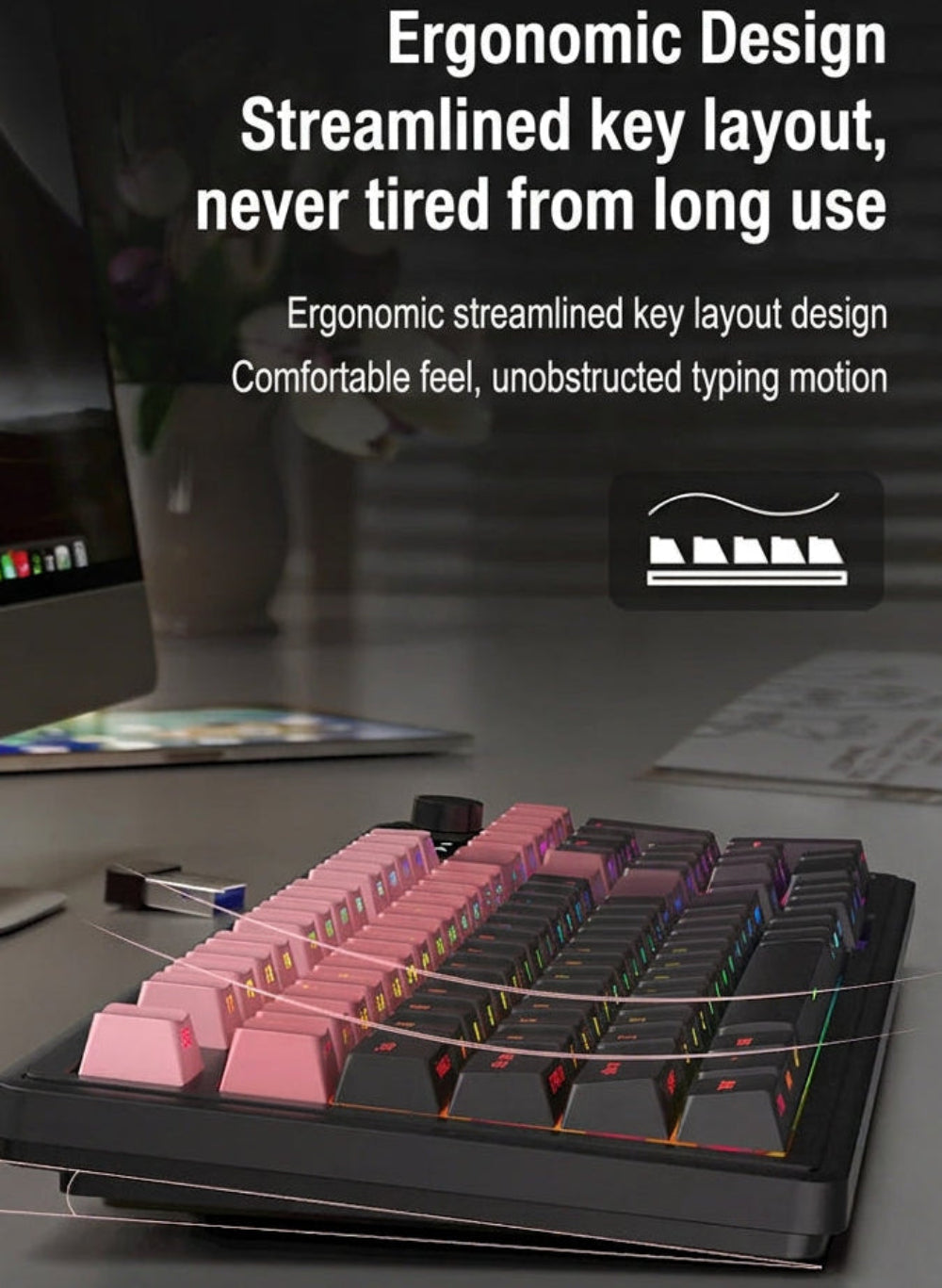
Full-size keyboards waste inches of prime desk real estate on rarely used navigation clusters, pushing your mouse arm uncomfortably wide. A streamlined layout keeps your shoulders aligned and leaves generous room for low-DPI mouse sweeps.
Backlighting matters just as much when you play with the room lights dimmed. Crisp per-key or zoned RGB illumination keeps legends readable in the dark while letting you match your keyboard glow to the rest of your setup.
Finally, check for a rechargeable battery paired with smart auto-sleep power management so you spend your time playing rather than hunting for disposable batteries.
Closer Look: The Onetify Silent Tri-Mode Wireless RGB Gaming Keyboard
If you want a streamlined setup that handles late-night gaming and daily productivity without breaking the bank, the Silent Tri-Mode Wireless RGB Gaming Keyboard hits the sweet spot between acoustic comfort and gaming utility.
Designed specifically for gamers and hybrid workers who share their space, it packs responsive quiet keys, triple-mode connectivity, and vibrant lighting into a sleek, desk-friendly frame.
Whisper-Quiet Keys Built for Midnight Sessions and Shared Spaces
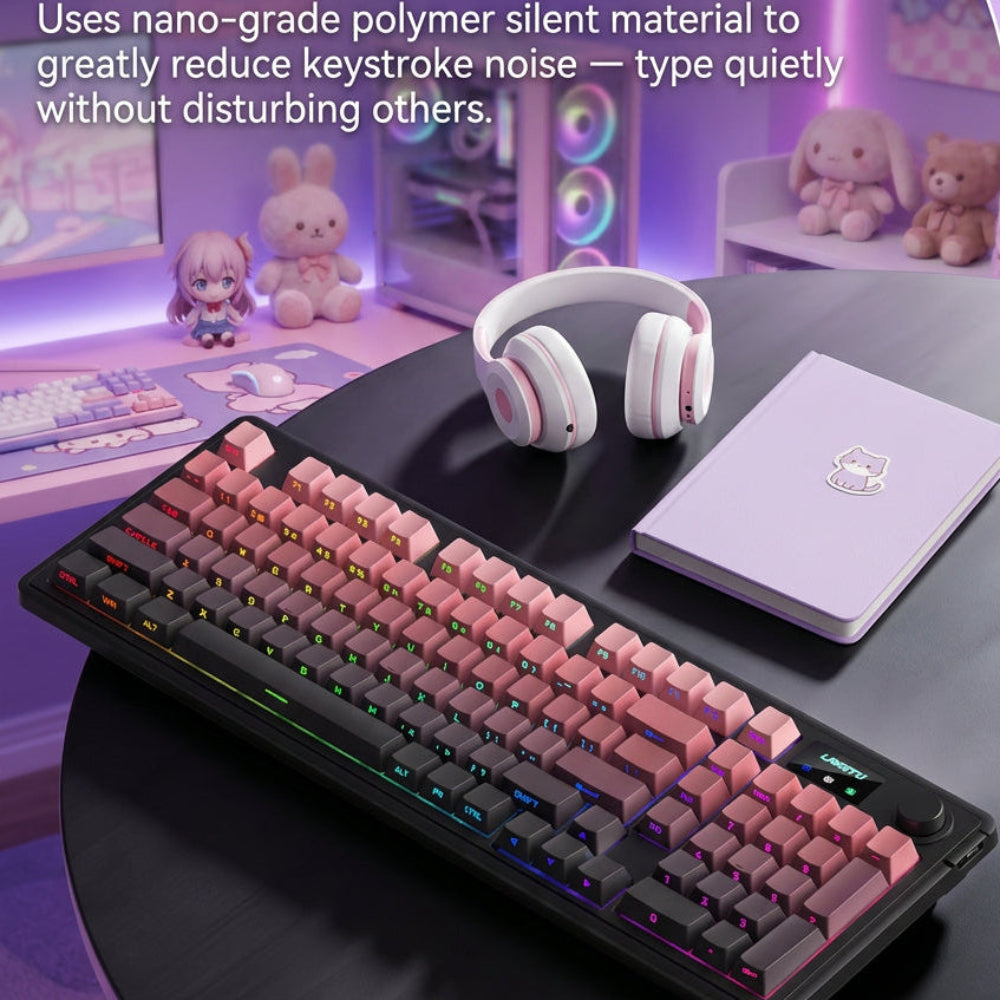
The standout feature of this board is its dampened, whisper-quiet key architecture. Every keystroke is tuned to minimize high-pitched rattle and harsh bottom-out noise, making it ideal for bedrooms, dorms, and open offices.
You can hammer out combos during a 2:00 AM raid or type long reports during a video meeting without dominating the room's soundscape. Despite the low noise floor, the keys retain a snappy, tactile rhythm that prevents accidental presses.
Instant Switching Across Gaming PCs, Laptops, Macs, and Consoles
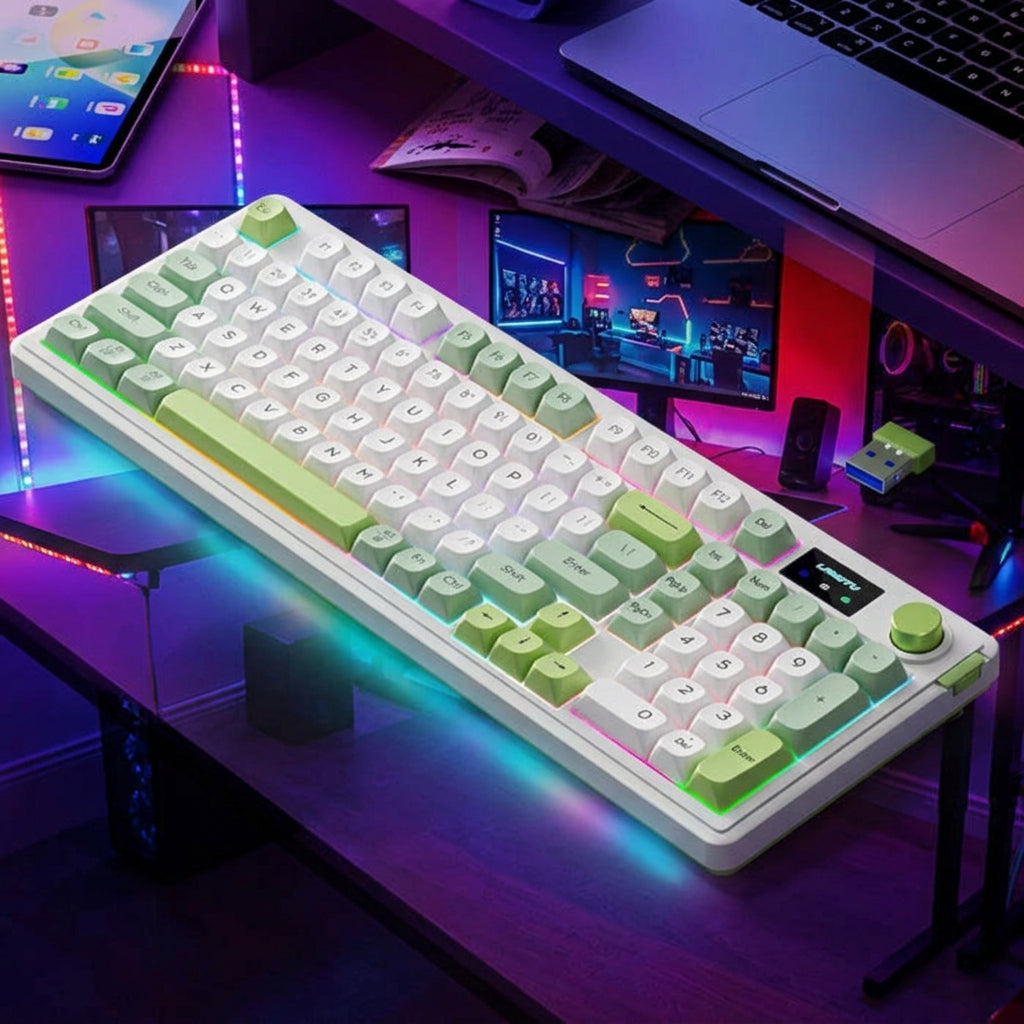
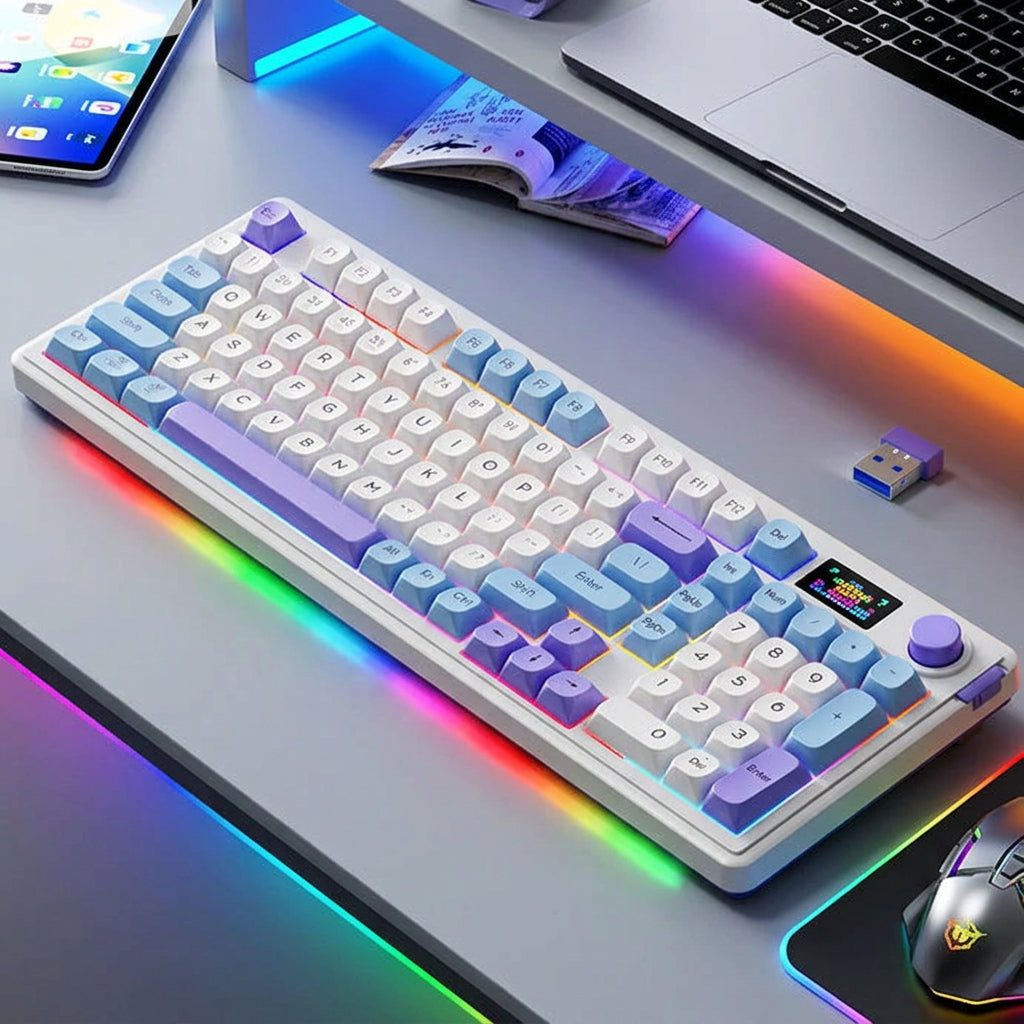
Built as a compact wireless RGB keyboard with 2.4GHz and Bluetooth, this model lets you bounce between devices in seconds. Keep the 2.4GHz USB dongle plugged into your primary gaming PC for lag-free play, then pair your work laptop or tablet over Bluetooth.
A simple shortcut flips active connections immediately, eliminating the clutter of keeping two separate keyboards on your desk. When the battery eventually runs low, plugging in the detachable USB-C cable switches seamlessly into wired mode while topping up power.
Full cross-platform support ensures smooth plug-and-play compatibility across Windows PCs, macOS systems, laptops, and compatible gaming consoles.
Customizable RGB Lighting and Desk-Saving Footprint
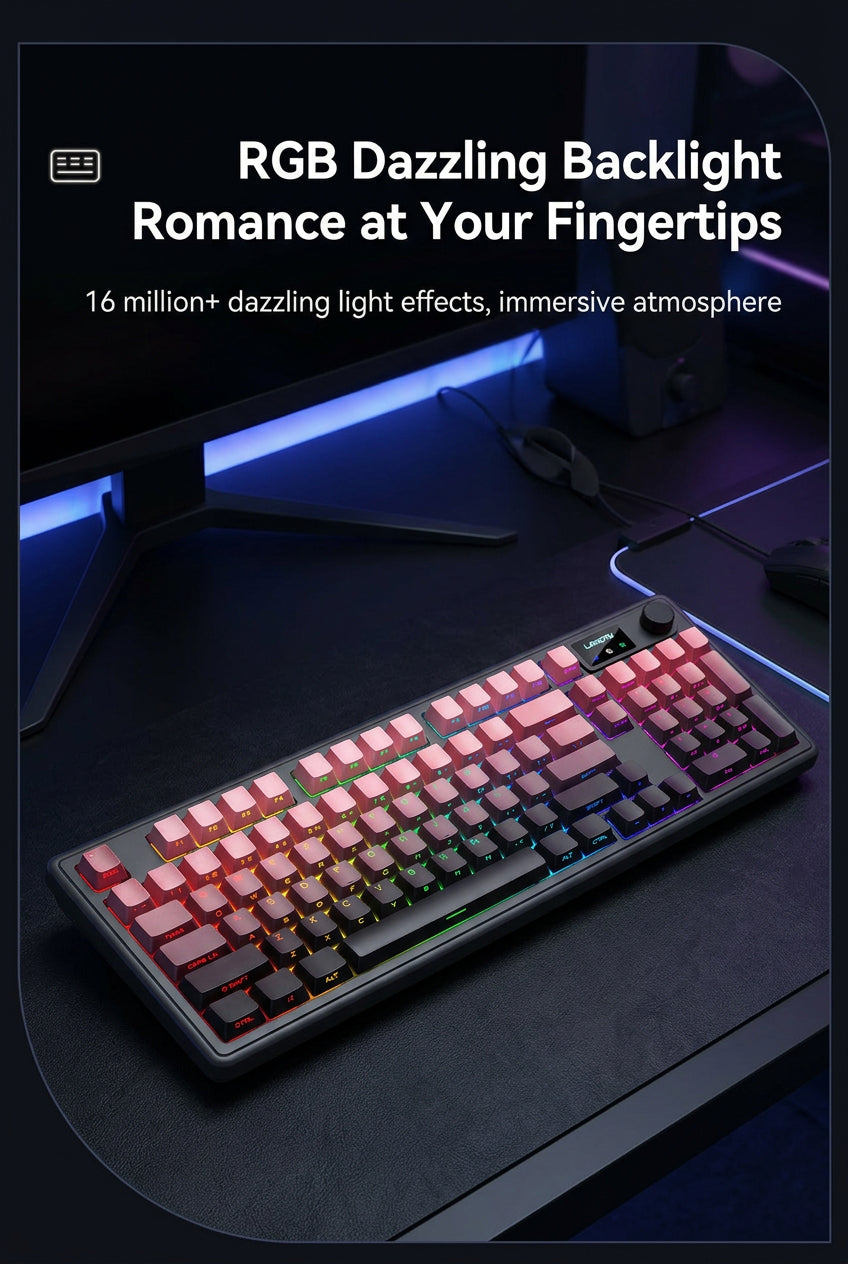
Playing in a dimly lit room shouldn't mean squinting at dark keycaps. Built-in RGB backlighting illuminates every key clearly with adjustable brightness levels and dynamic lighting effects to suit your mood.
You can dial up vivid color waves for evening gaming sessions or switch to a subtle, single-color glow during daytime work hours. Its compact, ergonomic profile frees up desk space for your mousepad, coffee mug, or notebook while keeping every essential gaming shortcut within easy reach.
4 Tips to Get the Best Performance Out of a Tri-Mode Wireless Keyboard
Once your new keyboard arrives, a few quick setup habits will ensure you get maximum speed, reliability, and battery longevity from day one.
Lock In Low-Latency 2.4GHz Mode for Competitive Play
Whenever you launch an FPS, MOBA, or fast-paced action title, switch your keyboard to 2.4GHz wireless mode. Plug the USB receiver into a front-panel desktop port or a USB hub close to your desk rather than hiding it behind a metal PC tower.
Keeping a clear, short line of sight between the keyboard and the receiver eliminates wireless interference and guarantees instantaneous key registration.
Pair Bluetooth Channels for Effortless Work-to-Play Transitions
Reserve your Bluetooth pairing slots for secondary devices like your work MacBook, tablet, or living-room media setup. Labeling or memorizing which device sits on each Bluetooth channel turns multi-tasking into muscle memory.
At 5:00 PM, a single hotkey toggles you off your work laptop and straight onto your 2.4GHz gaming rig without moving an inch.
Balance RGB Brightness to Maximize Wireless Battery Life
Bright, fast-cycling RGB effects look great on camera, but full-blast LEDs are the single biggest drain on any wireless keyboard's battery. Running backlighting at 50 to 70 percent brightness keeps legends crisp in dark rooms while stretching time between charges significantly.
When you are working in a sunlit room during the day, turning the backlight down or off extends wireless endurance even further.
Keep Your Desk Clutter-Free With Smart Charging Habits
Route your USB-C charging cable neatly along the back edge of your desk mat using a simple adhesive cable clip. That way, the connector sits within arm's reach whenever you need a quick top-up, and tucks out of sight the rest of the week.
Plugging the cable in overnight once every week or two keeps your battery healthy and ensures you never hit a low-battery warning mid-match.